5 Signs Your Computer Might Have Malware
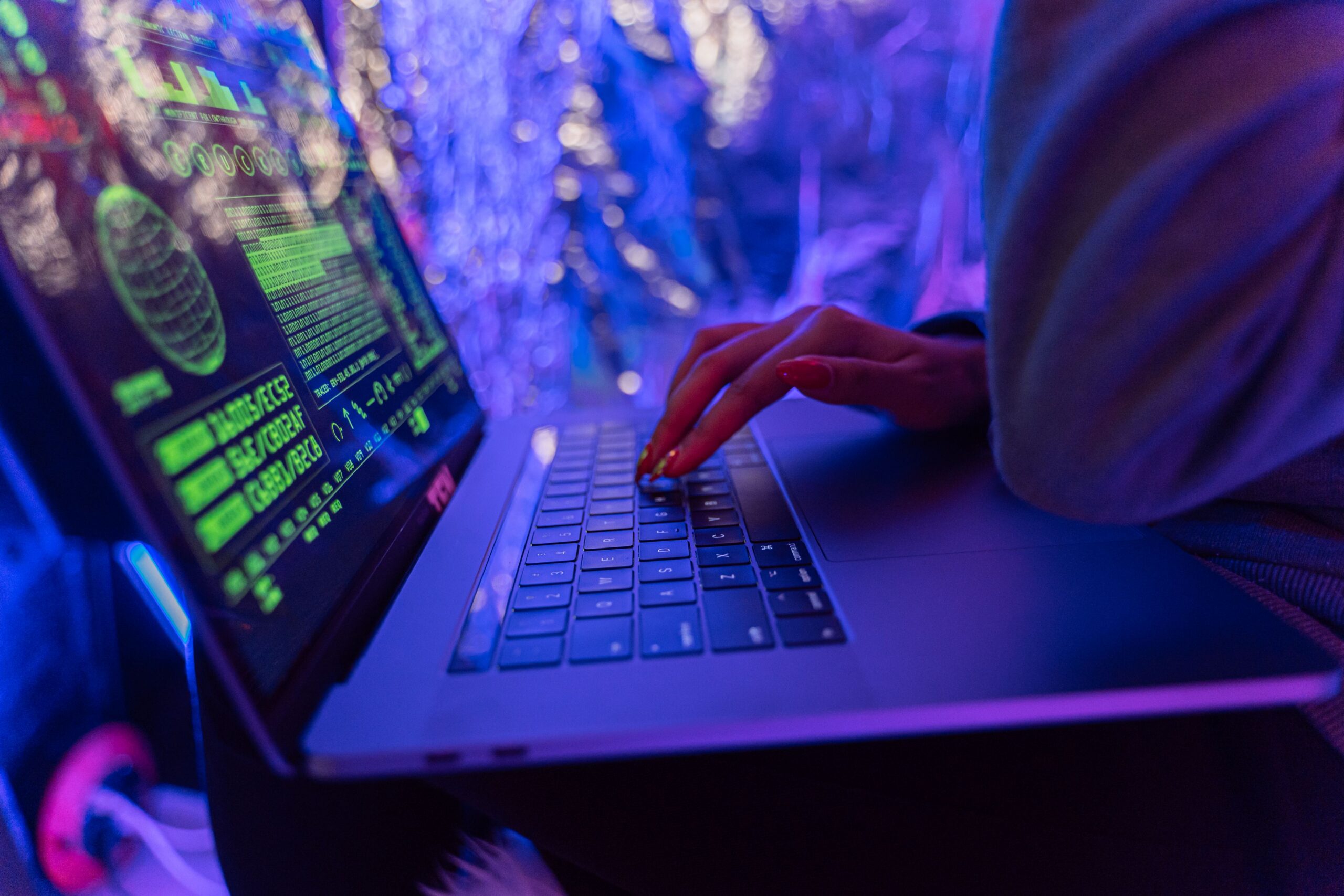
A slow or unpredictable computer can be frustrating, but performance issues aren’t always caused by aging hardware or too many open programs. In some cases, they may point to malware—software designed to disrupt your device or interfere with its normal operation.
The challenge is that malware doesn’t always announce itself with obvious warning messages. It often works quietly in the background, making subtle changes that are easy to overlook until they begin affecting your daily tasks.
Recognizing the early signs can help you respond quickly, protect your data, and keep your computer running smoothly.
“Cybersecurity isn’t just about reacting to threats—it’s about recognizing the warning signs before they become bigger problems.” — Daniel Foster
What Is Malware?
Malware is a general term used for software that can negatively affect your computer’s performance or security. It may interfere with normal system functions, change settings without your knowledge, or consume valuable system resources.
While malware can vary in how it behaves, it often leaves behind clues that something isn’t working as it should.
Here are five common signs worth paying attention to.
1. Your Computer Has Suddenly Become Much Slower
Every computer naturally slows down over time, especially if storage is nearly full or many applications are running. However, a sudden and noticeable drop in performance without an obvious reason deserves attention.
You may notice:
- Longer startup times
- Programs taking more time to open
- Frequent freezing or lag
- Delays when switching between applications
If these issues appear unexpectedly and persist, it’s a good idea to investigate further.
2. Unexpected Pop-Ups Keep Appearing
Occasional notifications are normal, but repeated pop-up windows that appear unexpectedly—especially when you’re not browsing the web—can be a warning sign. You might notice:
- Windows opening on their own
- Unexpected system alerts
- Browser tabs launching automatically
- Advertisements appearing more frequently than usual
- Rather than clicking unfamiliar messages, close them safely and check whether your browser or computer has installed any unfamiliar software.
“Small warning signs often appear long before major computer problems. Paying attention early can save both time and frustration.” — Daniel Foster

3. Your Browser Behaves Differently
If your web browser suddenly starts acting in unfamiliar ways, it’s worth taking a closer look.
Possible changes include:
- Your homepage has changed without your permission.
- Your default search engine has been replaced.
- New toolbars or extensions appear unexpectedly.
- You’re frequently redirected to unfamiliar websites.
Reviewing your browser settings and removing extensions you don’t recognize can help restore normal performance.
4. Programs Open or Close on Their Own
Applications should behave predictably. If programs begin opening unexpectedly, crashing repeatedly, or closing without explanation, your computer may require attention.
While software bugs can also cause these issues, frequent unexplained behavior—particularly when combined with other warning signs—may indicate that something is interfering with normal system operation.
Keeping your operating system and software up to date helps reduce compatibility issues and improves overall stability.
5. Your Device Feels Unusually Busy
Sometimes your computer seems to be working harder than usual even when you’re doing very little. You may notice:
- The cooling fan running constantly
- Increased battery usage on laptops
- The device becoming unusually warm
- High processor or memory usage during simple tasks.
- Checking your system’s task manager or activity monitor can help identify applications using unexpected amounts of system resources.
Everyday Habits That Help Protect Your Computer
While no device is completely immune to digital threats, adopting good cybersecurity habits can significantly reduce your risk.
Consider these best practices:
- Keep your operating system updated.
- Install software only from trusted sources.
- Review browser extensions regularly.
- Use strong, unique passwords for important accounts.
- Back up important files on a regular schedule.
- Be cautious with unexpected email attachments or unfamiliar links.
These simple habits contribute to better digital security and can help prevent many common problems before they occur.
When to Take Action
If your computer shows several of these signs at the same time, it’s worth running a reputable security scan and reviewing recently installed software or browser extensions.
If problems continue despite basic troubleshooting, consider seeking assistance from a qualified IT professional. Addressing unusual behavior early may help prevent larger issues and reduce unnecessary downtime.
Stay One Step Ahead
Modern computers play an important role in work, communication, learning, and entertainment. That’s why recognizing early warning signs is just as important as maintaining the device itself.
Most malware-related issues don’t begin with a major disruption—they start with small changes that are easy to dismiss. By staying alert, keeping your software updated, and following safe online practices, you can reduce your risk and enjoy a faster, more secure computing experience.
A few minutes of prevention today can save hours of troubleshooting tomorrow.